
OPS PC vs. External Desktop PCs: A Buyer’s Comparison for Interactive Displays
Interactive display projects involve more than selecting a screen. The compute platform that runs applications, processes touch input, and connects to peripherals is often the part that ages fastest. For buyers, the decision between an OPS PC and an external desktop PC affects installation cost, serviceability, and long-term upgrade flexibility. This article compares the main architectures, reviews the data behind them, and outlines the checks that should happen before a specification is locked.
OPS PC and the shift toward modular compute
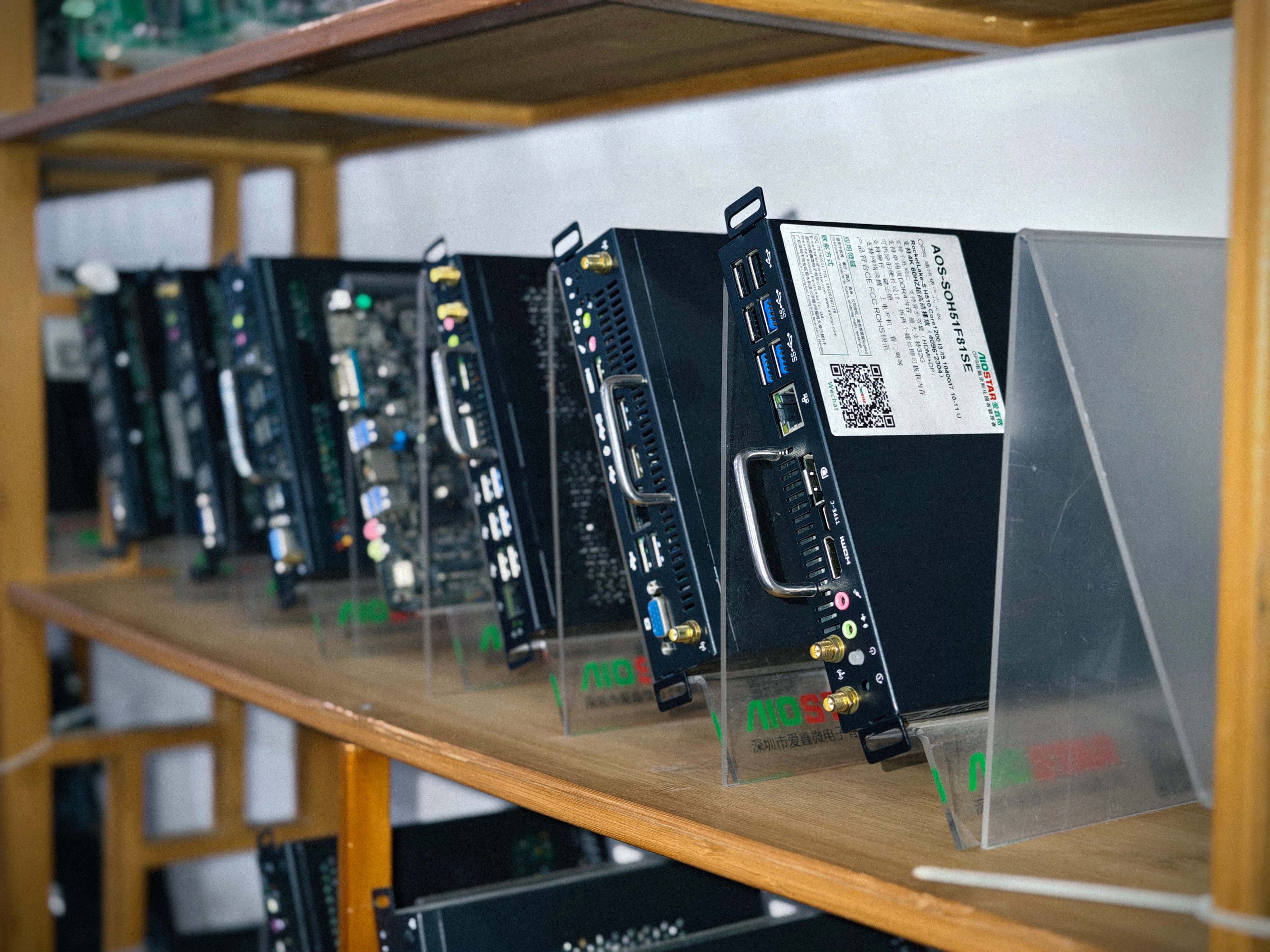
OPS, or Open Pluggable Specification, is an Intel-defined standard that creates a unified mechanical and electrical interface between displays and media players. The original Intel OPS specification uses an 80-pin JAE connector and a footprint of 180mm x 119mm x 30mm. An OPS module slides into a slot on the back of a display, turning the display into a self-contained computer without external media-player enclosures. OPS-C, a variant widely adopted in the Chinese domestic market for educational interactive whiteboards, uses a different form factor, typically 180.8mm x 195.2mm x 42.5mm. Both designs allow a display to be serviced or upgraded separately.
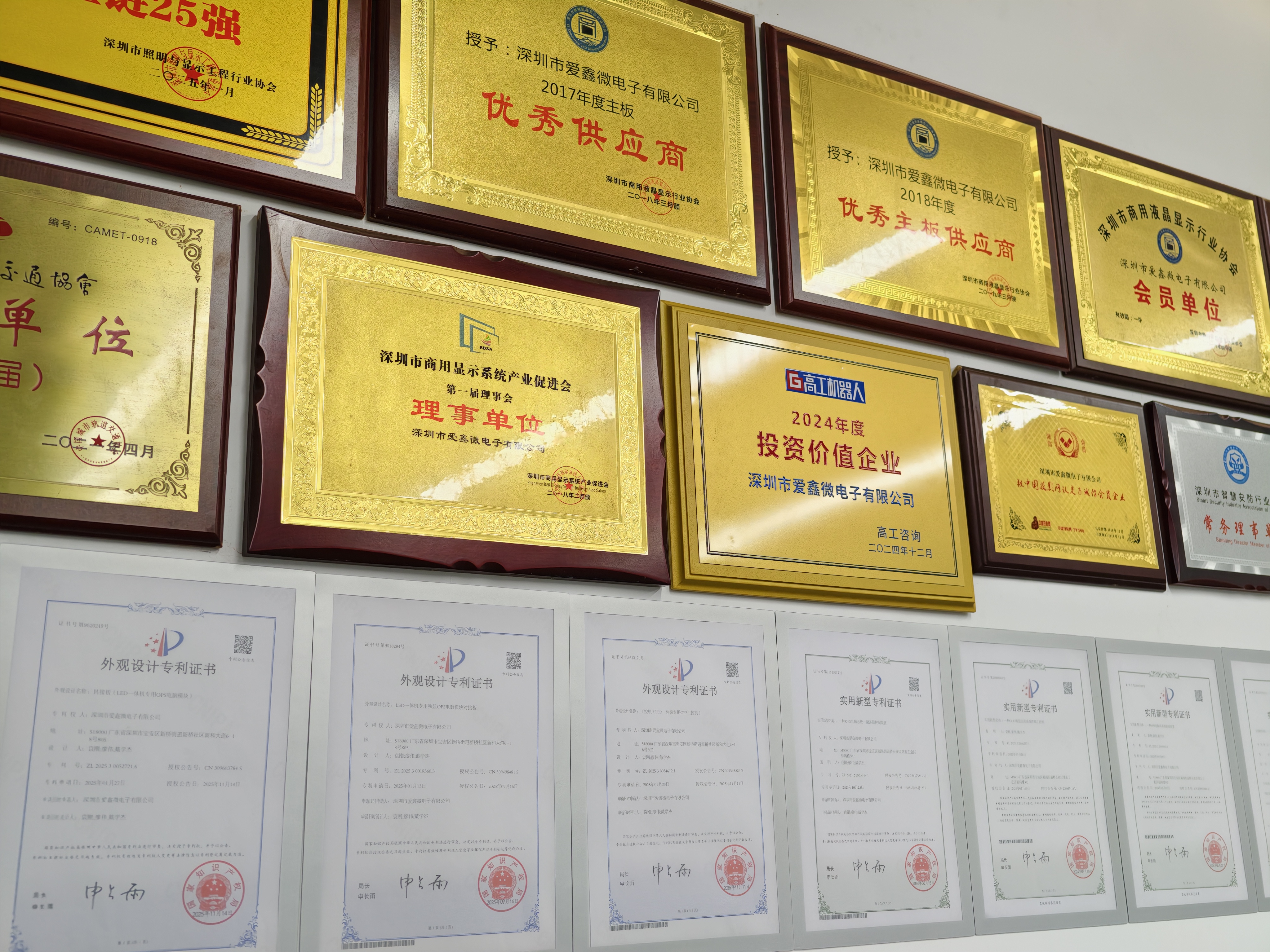
Shenzhen Aiostar Electronics Co., Ltd. (AIOSTAR) is a computer hardware supplier established in 2015 in Shenzhen, China. The company develops and supplies OPS PCs, OPS-C pluggable computer modules, Android OPS PCs, industrial motherboards, mini PCs, BOX PCs, industrial panel PCs, servers, and customized embedded computing systems. AIOSTAR products are used in interactive displays, digital signage, education, corporate meetings, industrial automation, smart transportation, retail, and security projects. The company also offers OEM and ODM services covering hardware configuration, I/O, chassis, cooling, BIOS, operating system image, logo, packaging, and accessories.
Why the compute choice matters in interactive display projects
Displays are often expected to last five to seven years, but the compute hardware inside them can become outdated much sooner. A modular compute architecture gives buyers the option to replace only the compute module while keeping the display panel. External desktop PCs, by contrast, are easy to replace but consume space and create cable clutter. Fixed internal compute boards are often the least flexible option because they are integrated into the display assembly.
This decision is not just about performance. It also affects maintenance labor, spare-part strategy, thermal management, and total cost of ownership. A supplier that can demonstrate compatibility testing and lifecycle control becomes an important partner in that process.
Direct comparison: OPS PC vs. external desktop PC
An OPS PC is a removable slot-in module that uses a standardized OPS interface inside the display. Compared with an external desktop PC connected to an interactive display, the OPS approach eliminates the standalone media-player enclosure and external video and power wiring. According to AIOSTAR’s comparative evaluations, an OPS PC can reduce external cable quantity by over 70% and occupied installation space by more than 65% in a typical deployment.
| Comparison Aspect | OPS PC | External Desktop PC |
|---|---|---|
| External cables | Reduced by over 70% in typical installations | Requires video, USB, and power cables |
| Installation space | More than 65% less occupied space | Tower or mini-PC takes additional desk or mounting space |
| Service | Module can be removed and serviced without moving the display | PC can be serviced separately but display remains separate |
| Installation labor | Modular installation can reduce installation and service labor | More cables and mounting steps usually increase labor |
The main limitation of an OPS PC is that it requires a display with a compatible OPS slot. Displays without a slot cannot use the module unless an adapter or external box is introduced. In addition, because the computing module lives inside the display, its power and thermal envelope is more constrained than a full desktop tower. For very high-power applications, an external PC may still be the only practical choice.
OPS and OPS-C vs. fixed internal compute boards
Some display manufacturers integrate a compute board directly inside the display enclosure. That design keeps the product clean, but it makes field replacement difficult. OPS and OPS-C modules separate the computing platform from the display assembly, allowing the compute module to be replaced or upgraded independently.
In typical compute-module failures, this separation can reduce complete-display replacement requirements by over 75%. A failed or outdated compute module can be replaced separately after compatibility checks. Processor and power limits can also be selected to match the display’s thermal and power budget, which is important for maintaining long-term reliability.
This approach is well suited to display products that require field replacement, platform upgrades, or different operating systems. It also avoids the cost of replacing the complete display when only the compute section fails.
Android OPS vs. external Android media player
Android OPS modules integrate the computing module directly into the display’s OPS slot, reducing exposed external connections. Compared with an external Android media player, an Android OPS module can reduce peripheral hardware items by over 60% in a typical interactive-display installation. One integrated module eliminates the external player chassis, separate video cable, USB touch cable, and independent power adapter.
This design is particularly suitable for retail signage, hospitality information displays, kiosks, and networked media playback. The module can be removed from the OPS slot for replacement or software service, simplifying maintenance in environments where multiple displays are managed remotely.
Integration risks and quality controls
Choosing an OPS architecture is only part of the decision. Buyers also need to understand the risks that appear during integration. AIOSTAR’s engineering documentation identifies several key risk areas and the corresponding controls.
Mechanical and interface incompatibility
OPS and OPS-C modules must match the display’s slot dimensions, connector type, pin definition, video interface, USB, power budget, and display firmware. Before production, a pre-production sample should be tested on the customer’s target display. This reduces the risk of discovering incompatibility after units are manufactured.
Overheating and thermal throttling
The cooling solution must be selected according to processor power, enclosure airflow, and the display’s internal temperature. Heat sink, fan, and thermal contact design should be verified. Burn-in and thermal testing should be conducted according to the project specification before mass production. This is especially important for displays used in warm environments or in sealed enclosures.
Operating system, BIOS, or driver mismatch
The required OS version, BIOS functions, device drivers, and application dependencies should be confirmed before imaging. The approved system image and functions such as Wake-on-LAN, auto power-on, and watchdog should be validated on the final hardware configuration. This prevents field failures caused by incorrect software configuration.
Component end-of-life and configuration changes
A controlled bill of materials helps manage component end-of-life. When a component changes, the supplier should evaluate form, fit, and function alternatives. Customers should be notified of material changes that affect the agreed specification, and alternatives should be validated with customer approval when the project requires it.
Transport damage
Protective internal packaging should match the module, accessories, and selected shipping method. Packaging checks and drop or vibration testing are used when required by the customer or project specification. These measures reduce the risk of damage during international shipment.
Market context: where OPS PCs fit
Third-party market data supports the growing role of OPS modules in interactive display projects. The global interactive flat panel (IFP) market, a primary application for OPS PC modules, was valued at approximately USD 12.6 billion in 2024. Industry estimates suggest that integrated OPS-slot compute modules and Android-based SoC modules already ship in 15–25% of new interactive flat-panel display units. The global interactive whiteboard market is projected to reach USD 730 million by 2030, with OPS penetration as a continuing growth driver. The broader industrial PC market, which includes industrial-grade OPS modules, was estimated at USD 6.48 billion in 2024 and is projected to grow at a CAGR of 6.30% through 2032.
These figures indicate that the demand for modular compute inside displays is not a niche. It is becoming a standard architecture for education, corporate meetings, digital signage, and industrial applications.
Future outlook
The trend points toward modular compute and longer display lifecycles. As display panels become more standardized, the compute module becomes the component that buyers want to upgrade over time. OPS and OPS-C slots allow that without replacing the whole display.
AIOSTAR’s portfolio covers both Intel and Android OPS platforms, suggesting that x86 and ARM architectures will continue to coexist depending on the application. Buyers should evaluate not only current performance but also the supplier’s ability to manage compatibility, thermal design, software imaging, and lifecycle risks. A supplier that can demonstrate clear processes for pre-production validation and component change notification may reduce total project risk.
FAQ
What is the difference between Intel OPS and OPS-C computer modules?
Intel OPS uses an 80-pin JAE connector and a footprint of 180mm x 119mm x 30mm. OPS-C, a variant widely used in China for educational interactive whiteboards, typically measures 180.8mm x 195.2mm x 42.5mm. The two standards are not mechanically interchangeable, so the display’s slot type must be confirmed before selecting a module.
How does an OPS PC reduce external components compared to an external desktop PC?
An OPS PC is a slot-in module that uses a standardized interface inside the display. Compared to an external desktop PC setup, it can reduce external cable quantity by over 70% and occupied installation space by more than 65%. The module can be removed and serviced without moving the display or replacing the display panel.
What risks should be checked before integrating an OPS PC into a display?
Key risks include OPS/OPS-C mechanical interface incompatibility, overheating or thermal throttling, OS/BIOS/driver mismatch, component end-of-life, and transport damage. Suppliers should verify module dimensions, connector, pin definition, video interface, USB, power budget, and display firmware, and test a pre-production sample on the target display.
Is an OPS PC suitable for digital signage and meeting rooms?
OPS-based modules are designed for classrooms, meeting rooms, digital signage, and commercial displays that support an OPS slot. Android OPS modules are also suitable for retail signage, hospitality information displays, kiosks, and networked media playback.
What should buyers include in an OPS PC procurement checklist?
A procurement checklist should include display slot compatibility, CPU platform (Intel or Android), memory and storage configuration, operating system image and driver validation, thermal design, power limits, and the supplier’s process for component change notification and end-of-life management.
For an overview of AIOSTAR’s OPS product line and engineering services, a company brochure is available here: AIOSTAR Introduction 2026.